Connect with a key that can only read
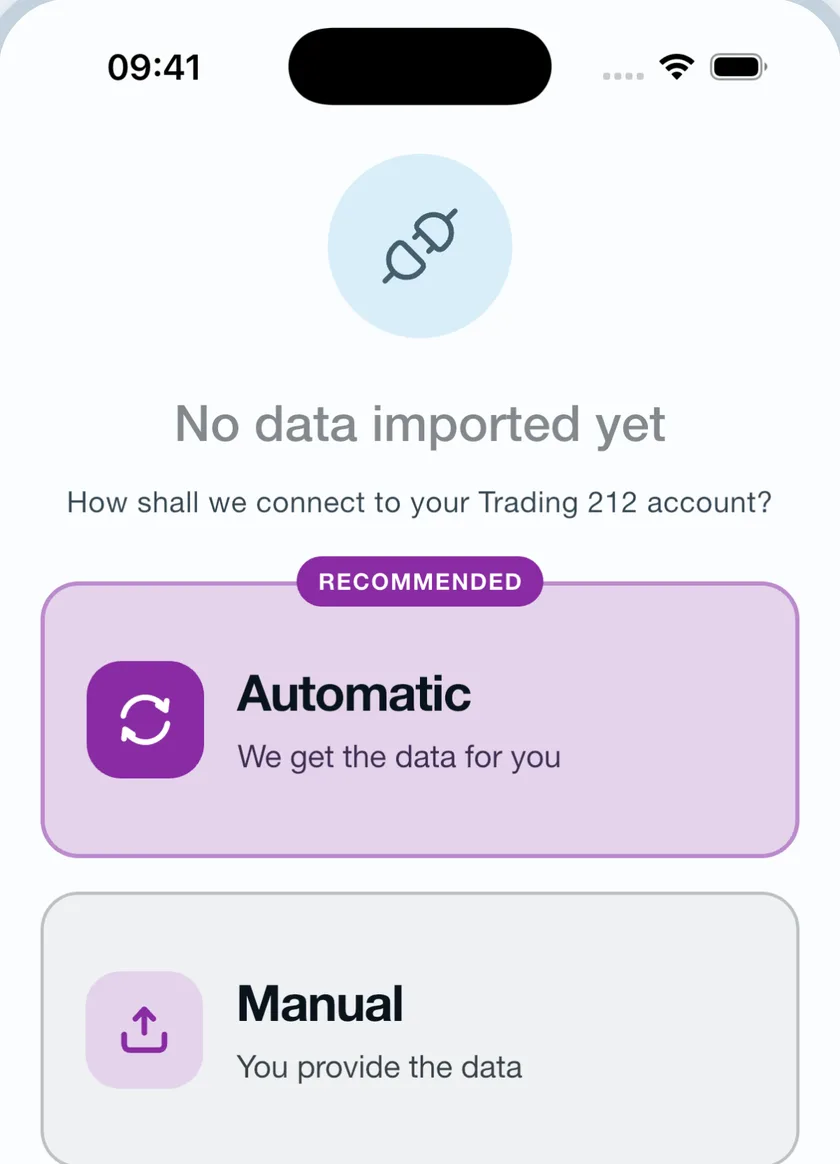
Instead of exporting files by hand, you can generate a read-only API key in your own Trading 212 account and let Tracker 212 keep your history current. The key reads. It cannot trade, cannot move money, and is not your login.


How to generate the key
- Open Trading 212Log in, then head to Settings.
- Choose API (Beta)Accept the notice to continue.
- Generate an API keyName it anything you like.
- Switch on these permissionsJust these five — the rest can stay off.
- Copy both keysThe secret is shown once, so take it there and then.
The five permissions to switch on
Trading 212’s permission sheet carries more toggles than these. Only these five are needed, and every one of them is a read:
- Account data
- History
- History - Dividends
- History - Orders
- History - Transactions
If one is missing when you connect, the app says which — rather than failing with something unhelpful.
The same export, without the errands
The key asks Trading 212 for the same statement you would request by hand, then feeds it through exactly the same import. Nothing about your portfolio is computed differently because it arrived automatically.
The first sync walks your whole history back year by year. After that it fetches only what is new, with several days of deliberate overlap so a transaction near the boundary cannot slip through — duplicates are recognised on the way in.
The key never goes in the database
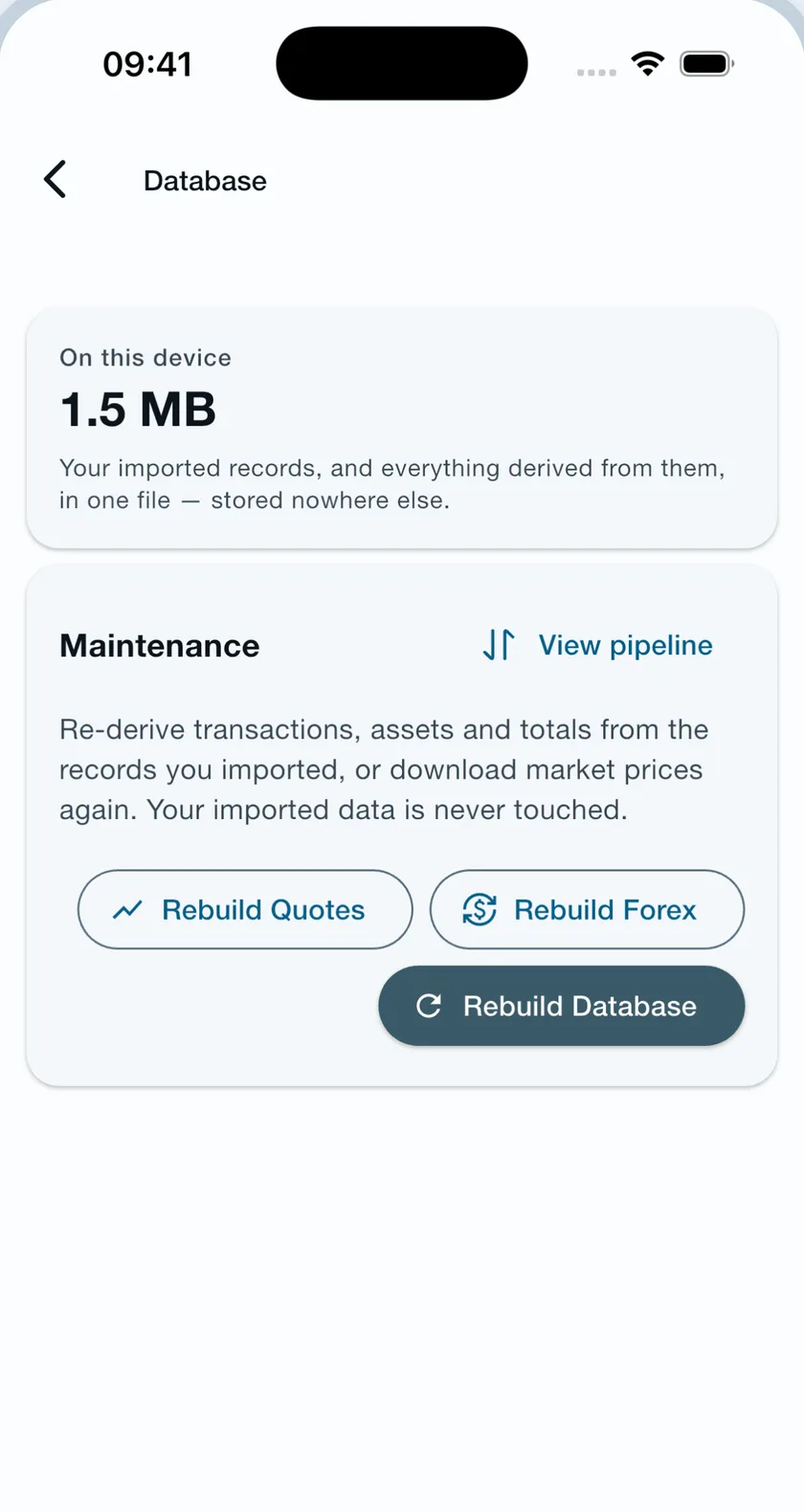
This is everything the app keeps on your device: your imported records and everything derived from them, in one file. Your key is not in it. It is held in your device’s secure storage instead — the iOS Keychain or the Android Keystore — and on no server of ours. We never receive it, and we have no access to your Trading 212 account.
Which has a consequence worth knowing: because it lives outside the database, deleting all data does not by itself remove the key. Use Disconnect on the sync card, or revoke it in Trading 212.
Independent, and staying that way. Tracker 212 is not affiliated with, endorsed by, or sponsored by Trading 212. It reads only what you hand it — a key you generated yourself, or a file you exported yourself — and you can cut off its access at any time from inside your own account.
Frequently asked questions
What can a read-only Trading 212 API key actually do?
It can read your account history — your orders, transactions, dividends and interest. It cannot place or cancel a trade, move money, or change anything about your account, and it is not your login. The key is made in Trading 212’s own settings, by you, and switching it off again is done in the same place.
Where is my API key stored?
In your device’s secure storage — the iOS Keychain or the Android Keystore — never in the app’s database and never uploaded to us. It leaves your device only to authenticate directly with Trading 212’s own servers.
What does the app do with the key?
Nothing but read with it. It requests your account history from Trading 212 and hands what comes back to the same importer a downloaded file goes through. The key is not used for anything else — it cannot place an order, cancel one, or move money, and no part of your portfolio is sent anywhere to be processed.
How do I disconnect?
Disconnect on the sync card in the app. That removes the stored key from your device and stops future syncs — everything already imported stays. You can also revoke the key in Trading 212 itself, which cuts off access regardless of what any app does.
What happens if I revoke the key in Trading 212?
Your portfolio does not go anywhere. What the app holds is a database it built on your device, not a window onto your account, so withdrawing the key stops it getting any newer and changes nothing that is already in it. Generate a new one whenever you like and the next sync picks up from where the records stop.
Connect once, then stop thinking about it.
A read-only key keeps your history current without a single file download.
CSV export
What a Trading 212 CSV export actually contains, and how to turn it into your real lifetime profit and loss.
Read more →Portfolio tracker
Every position you have ever held, the shape of the book as a heat map, and any past date you like.
Read more →Spreadsheet vs app
What a spreadsheet gets right about your portfolio — and the six things it quietly gets wrong.
Read more →